

Single-player
Adventure
Casual
Simulation
Free To Play
Steam Trading Cards
In-App Purchases
Mouse Only Option
Playable without Timed Input
Save Anytime
Stereo Sound
Surround Sound
Remote Play on Tablet
2020
Download Available
Steam Store
The Sims™ 4
File Size: 76.9 GB
Rating: 87% (Very Positive)
Added Date: Jul 10, 2026
Downloads: 2
Play with life and discover the possibilities. Unleash your imagination and create a world of Sims that’s wholly unique. Explore and customize every detail from Sims to homes–and much more.
Pre-installed Notice
This game is already pre-installed for you, meaning you do not need to run any setups or installer files. Simply extract the folder, double-click the game executable as Administrator, and play instantly!
About The Game
The Sims is on Discord!
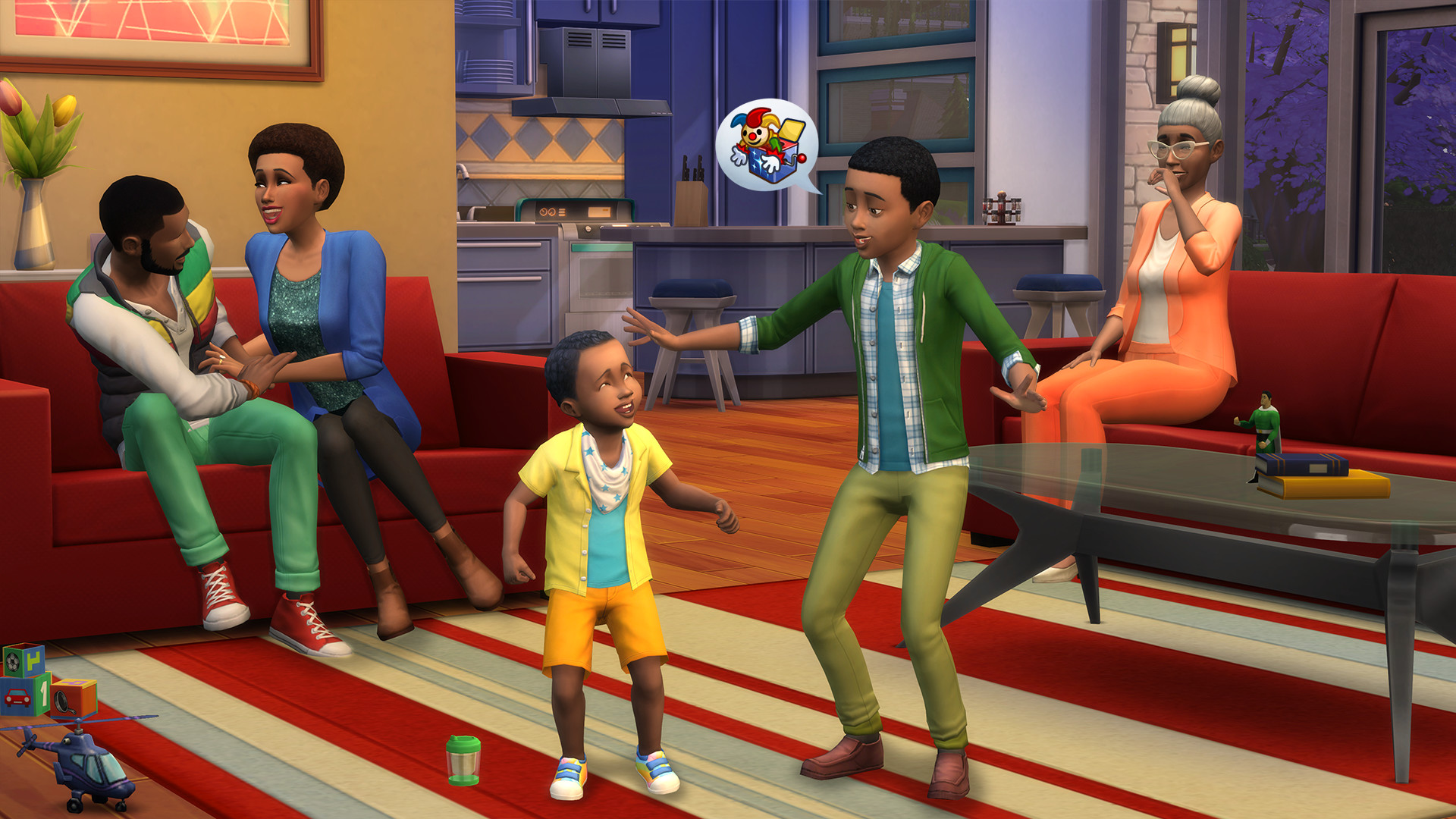
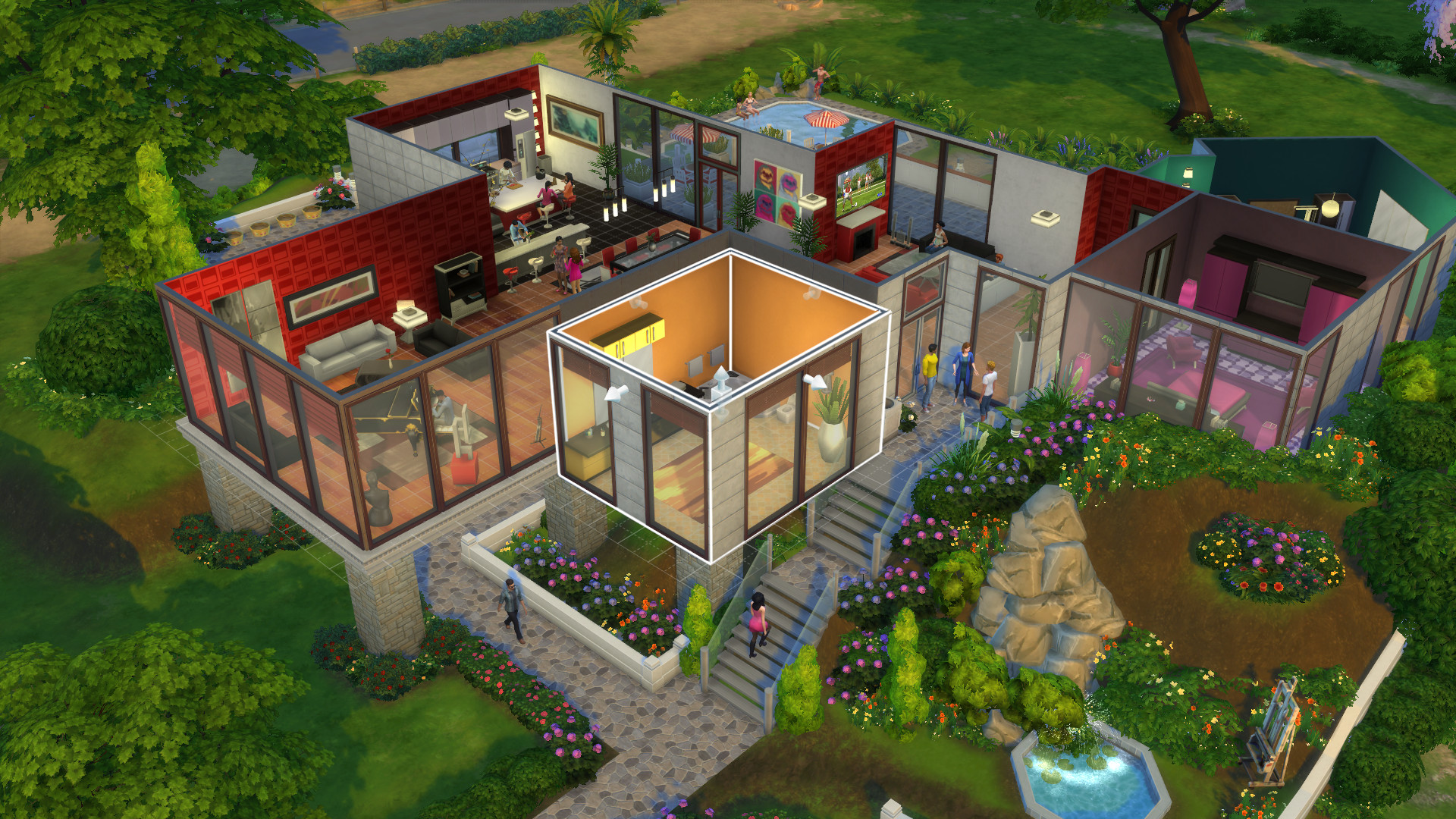
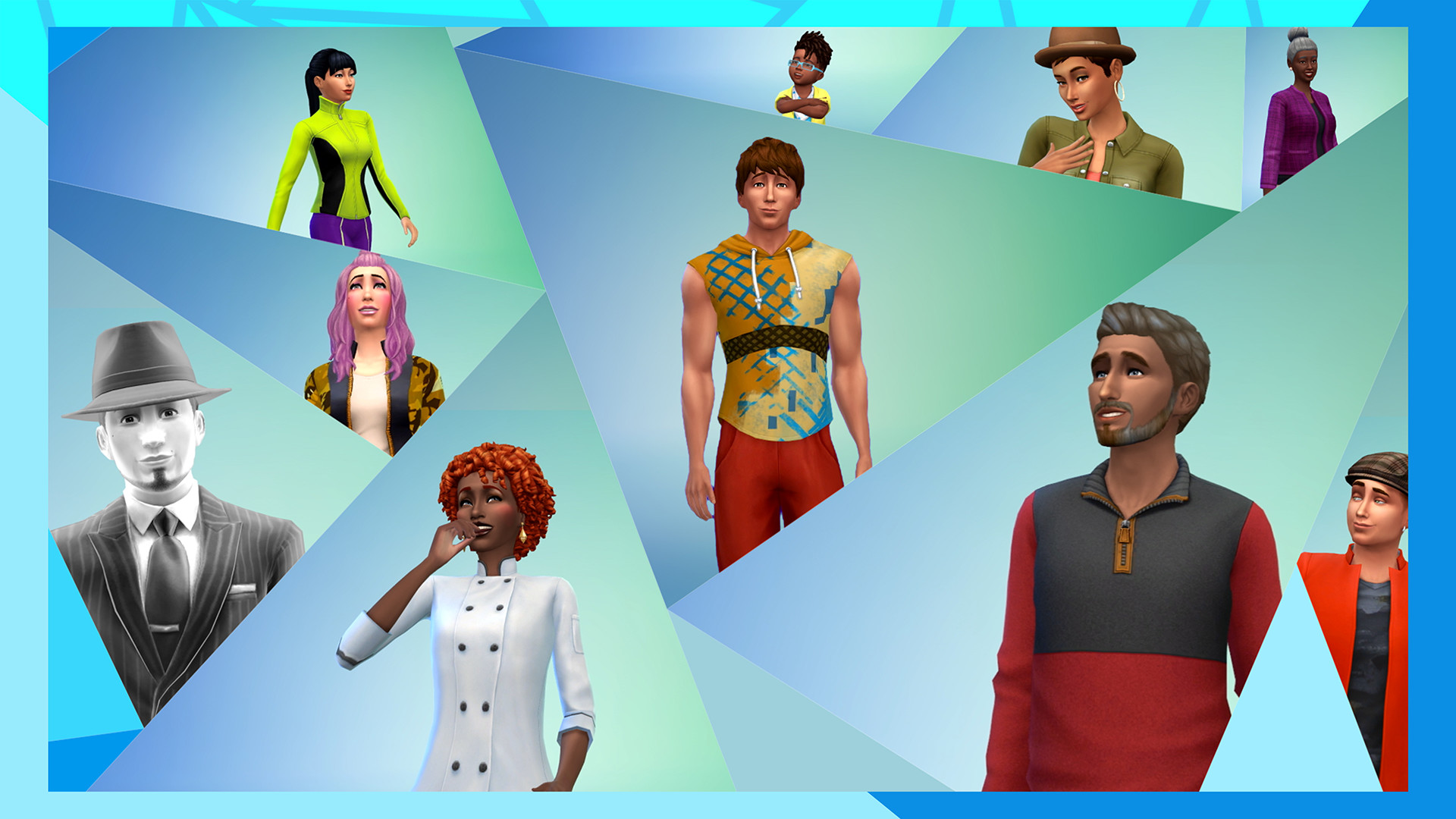
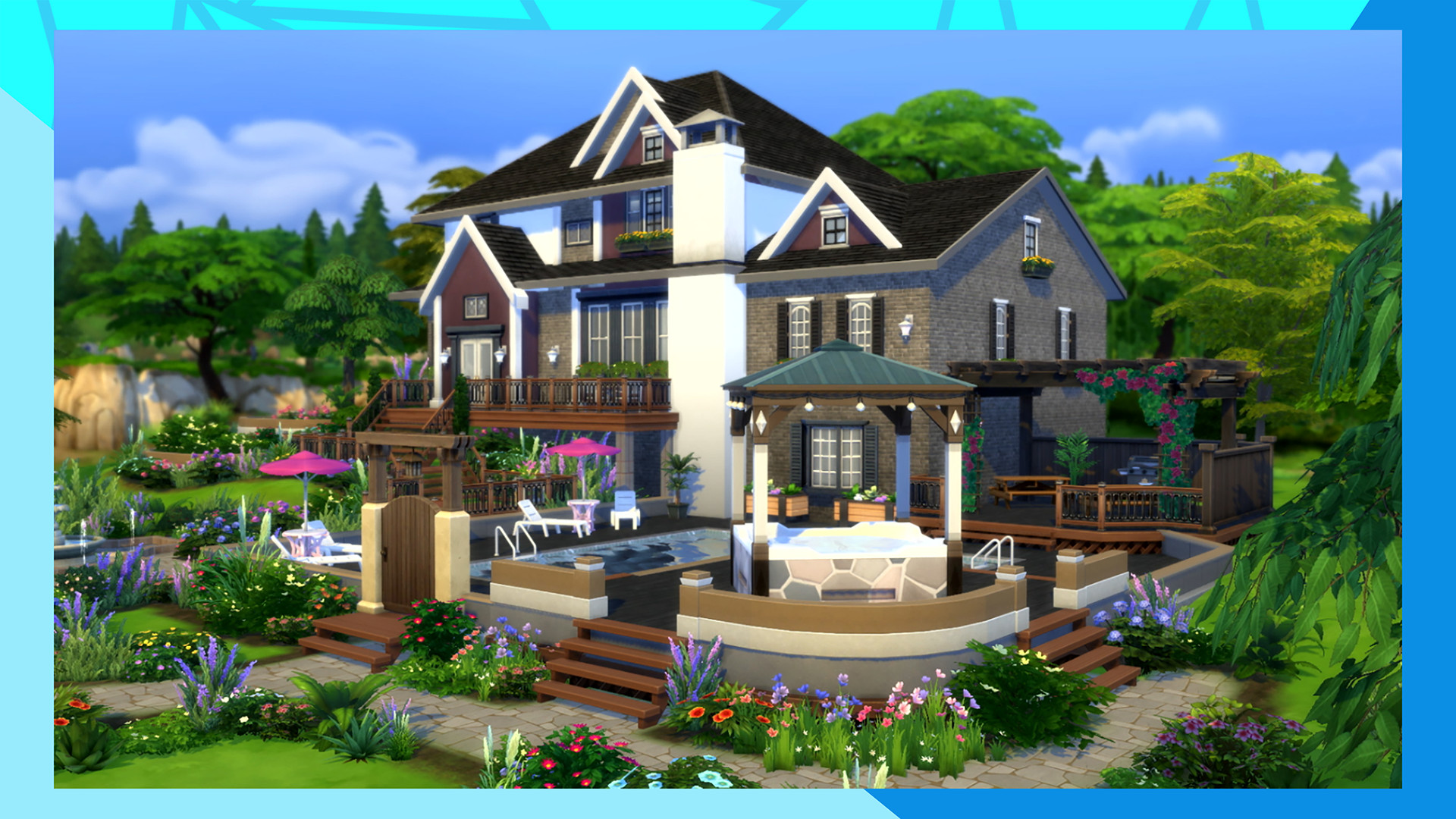
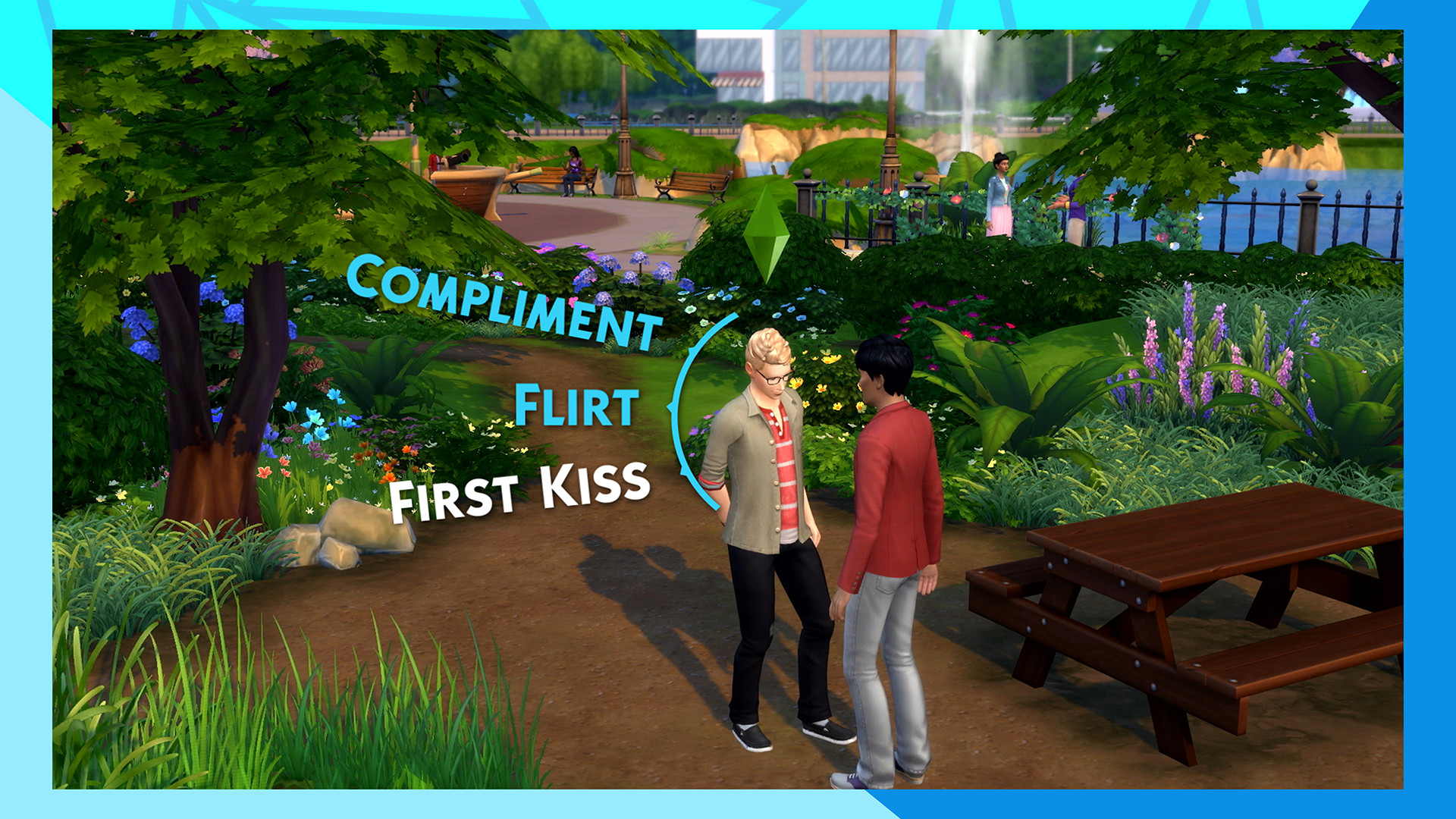
About the GameUnleash your imagination and create a unique world of Sims that’s an expression of you. Download for free, and customize every detail from Sims to homes and much more. Choose how Sims look, act, and dress, then decide how they’ll live out each day. Design and build incredible homes for every family, then decorate with your favorite furnishings and décor. Travel to different neighborhoods where you can meet other Sims and learn about their lives. Discover beautiful locations with distinctive environments and go on spontaneous adventures. Manage the ups and downs of Sims’ everyday lives, and see what happens when you play out scenarios from your own real life. Tell your stories your way while developing relationships, pursuing careers and life aspirations, and immersing yourself in this extraordinary game, where the possibilities are endless.
Download for free — The base game of The Sims™ 4 is free to download. Get a plethora of options for building homes, styling Sims, and customizing their personalities. Craft their life stories while exploring vibrant worlds and discovering more ways of being you.
Get more with EA Play — EA Play members can expand their career possibilities with The Sims 4 Get to Work Expansion Pack.
About the GameUnleash your imagination and create a unique world of Sims that’s an expression of you. Download for free, and customize every detail from Sims to homes and much more. Choose how Sims look, act, and dress, then decide how they’ll live out each day. Design and build incredible homes for every family, then decorate with your favorite furnishings and décor. Travel to different neighborhoods where you can meet other Sims and learn about their lives. Discover beautiful locations with distinctive environments and go on spontaneous adventures. Manage the ups and downs of Sims’ everyday lives, and see what happens when you play out scenarios from your own real life. Tell your stories your way while developing relationships, pursuing careers and life aspirations, and immersing yourself in this extraordinary game, where the possibilities are endless.
Download for free — The base game of The Sims™ 4 is free to download. Get a plethora of options for building homes, styling Sims, and customizing their personalities. Craft their life stories while exploring vibrant worlds and discovering more ways of being you.
Get more with EA Play — EA Play members can expand their career possibilities with The Sims 4 Get to Work Expansion Pack.
How to Install
1. Download the game using any of the mirrors above.
2. Extract the archive using WinRAR or 7-Zip.
3. Turn off your antivirus or add the extracted folder to exclusions (to prevent crack files deletion).
4. Run the game .exe file as administrator.
5. Play!
2. Extract the archive using WinRAR or 7-Zip.
3. Turn off your antivirus or add the extracted folder to exclusions (to prevent crack files deletion).
4. Run the game .exe file as administrator.
5. Play!
Download Mirrors
Links not working? Report it. Status changes to Link Broken after 50 reports.
Share this Release
Related Games


System Requirements
-
OS: 64 Bit Required. Windows 10
-
Processor: 3.3 GHz Intel Core i3-3220 (2 cores, 4 threads), AMD Ryzen 3 1200 3.1 GHz (4 cores) or better
-
Memory: 4 GB RAM
-
Graphics: 128 MB of Video RAM and support for Pixel Shader 3.0. Supported Video Cards: NVIDIA GeForce 6600 or better, ATI Radeon X1300 or better, Intel GMA X4500 or better
-
DirectX: Version 11
-
Storage: 26 GB available space
Game Info
-
Genre: Steam Trading Cards, In-App Purchases, Mouse Only Option, Playable without Timed Input, Save Anytime, Stereo Sound, Surround Sound, Remote Play on Tablet
-
Developer: Maxis
-
Platform: PC
-
Game Size: 76.9 GB
-
Released By: Electronic Arts
-
Version: v1.125.59.1030
- Pre-Installed Game No Setup Needed